PHP text file randomizer
Here is the snippette and data for a word or phrase random generator that reads an external text file, great for a massive list of items but requires access to your webservers filesystem.
trivia.php
<?php$quote = file("quotes.txt");
$totalnumberofquotes = count($quote);
$rdm = rand(1,$totalnumberofquotes);
echo $quote[$rdm];
?>
quotes.txt
vision loiterer
observatory
century
Atlantis
kilogram
neutron
stowaway
Inline randomizer
A comma separdtated field, random generator that reads an inline array.
test.html
<!DOCTYPE html>
<html>
<body>

<p>
 A random item:
 <span id="random-item"></span>
</p>

<script>
 // 1. Define your array
 const myArray = ['apple', 'banana', 'cherry', 'date'];

 // 2. Generate a random index
 const randomIndex = Math.floor(Math.random() * myArray.length);

 // 3. Get the random element
 const randomValue = myArray[randomIndex];

 // 4. "Echo" (display) the value in the HTML element
 document.getElementById('random-item').textContent = randomValue;
</script>

</body>
</html>
Read file A, process max age, save B
Loads as text file and resaves all records with array Age less than 25
test.html
<?php
$inputFile = 'data.txt';
$outputFile = 'processed_data.txt';

// 1. Read and Process
$dataLines = file($inputFile, FILE_IGNORE_NEW_LINES | FILE_SKIP_EMPTY_LINES);
$processedData = [];

foreach ($dataLines as $line) {
 // Convert comma-separated string to array
 $userData = explode(',', $line);

 // Structure: [Name, Age, Occupation]
 $name = strtoupper($userData[0]);
 $age = $userData[1];
 $job = strtoupper($userData[2]);

 // Filtering: Only keep people 25 or older
 if ($age >= 25) {
 $processedData[] = "$name|$age|$job";
 }
}

// 2. Write Processed Data
$finalContent = implode("\n", $processedData);
file_put_contents($outputFile, $finalContent);

echo "Processing complete. File saved as $outputFile";
?>
Div animate from left to right
You can move an image inside of the div as well.
test.html
<!DOCTYPE html>
<html>
<head>
<style>
.container {
 display: flex;
 /* Aligns content to the right edge of the container */
 justify-content: flex-end;
 width: 100%; /* Ensure container spans full width */
 background-color: lightgray;
 padding: 10px;
}

.item {
 width: 100px;
 height: 100px;
 background-color: green;
}
</style>
</head>
<body>

<div class="container">
 <div class="item"></div>
</div>

</body>
</html>

Play Mini Pictionary
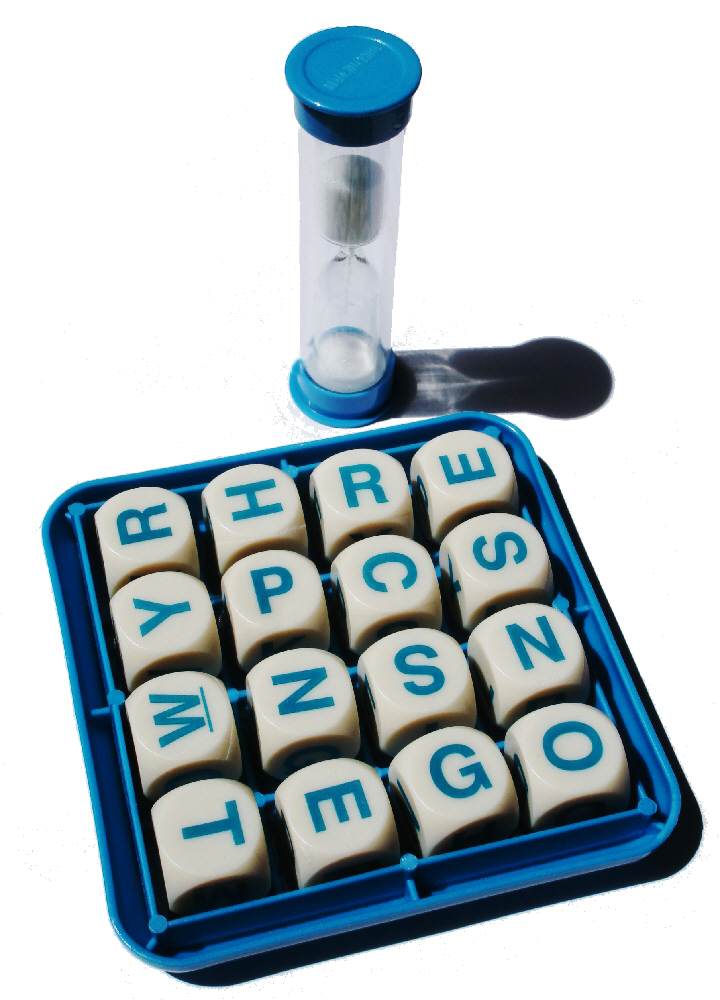
Play Mini Boggle